
Moz 1 MuJoCo Simulation Platform Tutorial
MuJoCo is an open-source physics engine commonly used for robot simulation, including humanoid robot dynamic modeling and control testing. 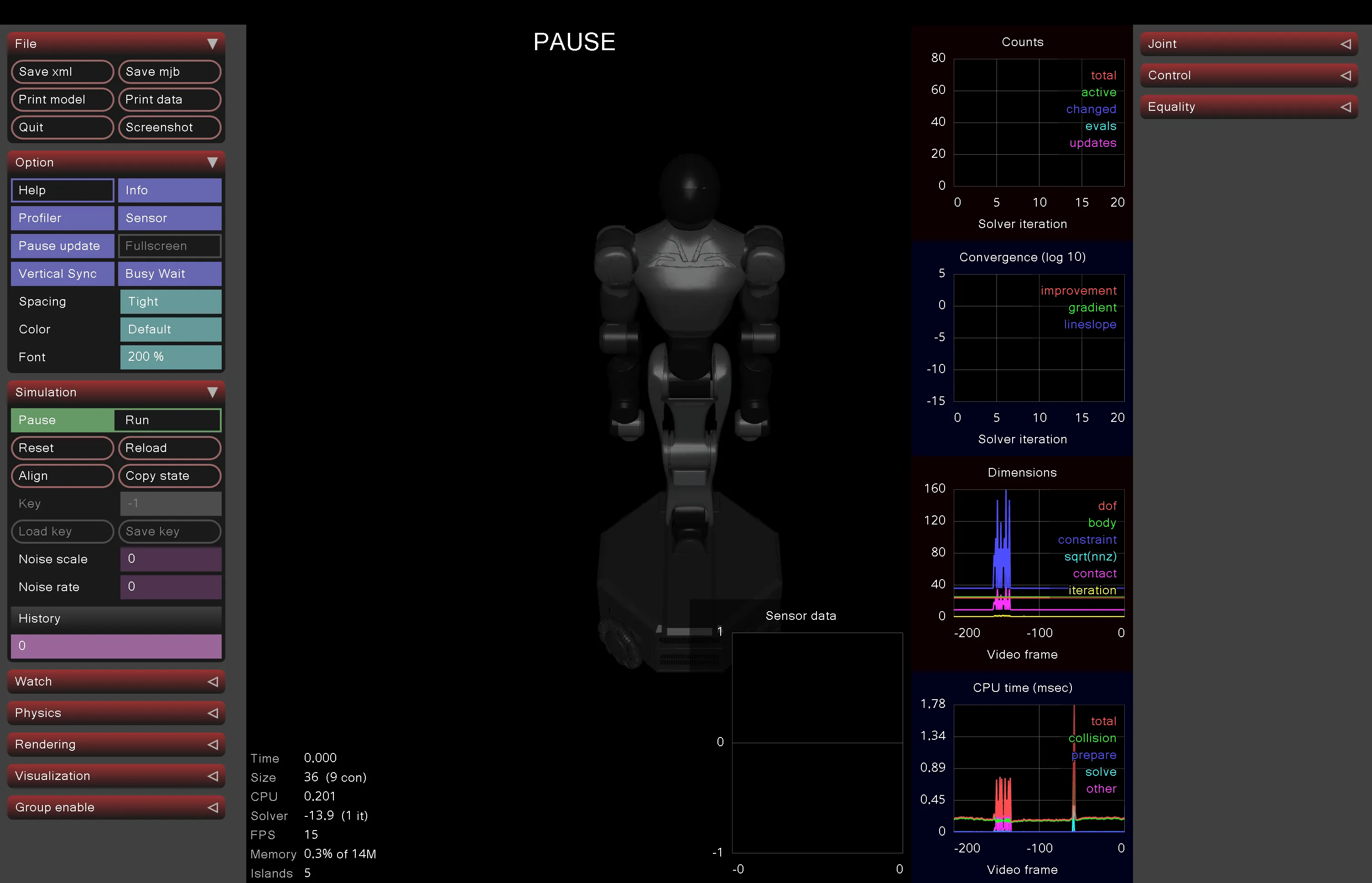
1. Install MuJoCo and Related Dependencies
1.1 Install MuJoCo and Related Dependencies
MuJoCo is open source (maintained by DeepMind) and supports Python bindings. Ensure your environment is Python 3.9+.
pip install mujocoThis installs MuJoCo core library and Python bindings (version 3.x recommended, supports MJX acceleration).
1.2 Install Additional Tools (for model conversion and visualization):
pip install numpy matplotlib dm_control  # dm_control for Gym-like environments
pip install urdf2mjcf # If you have URDF files, for conversion to MJCF (MuJoCo XML format)dm_control: Provides high-level interface for MuJoCo, convenient for loading and controlling robots.
1.3 Verify Installation:
Run a simple script to test:
python
import mujoco
print(mujoco.__version__)  # Should output 3.x
2. Obtain Moz 1 Model Files
2.1 URDF Files (common in ROS integration):
- Use
urdf2mjcftool to convert:
python
from urdf2mjcf import urdf_to_mjcf
urdf_to_mjcf('moz1.urdf', 'moz1.xml') # Output MJCF file- URDF typically includes joint definitions, mass, inertia, etc. Ensure it includes 26 DOF (legs, arms, torso, etc.).
3. Load and Simulate Moz 1 in MuJoCo
Use Python script to load model and run simulation.
3.1 Basic Loading and Visualization:
python
import mujoco
import mujoco.viewer

# Load MJCF model
model = mujoco.MjModel.from_xml_path('moz1.xml')  # Your MJCF file
data = mujoco.MjData(model)

# Run visualizer
with mujoco.viewer.launch_passive(model, data) as viewer:
    while viewer.is_running():
        mujoco.mj_step(model, data)  # Physics step
viewer.sync() # Sync rendering- This opens a window showing the static robot. You can interact with mouse (drag joints).
3.2. Add Control (e.g., simple PD controller to simulate walking):
Use
dm_controlto create environment:pythonfrom dm_control import suite # If custom, inherit suite.LoadActionableModel env = suite.load(domain_name='moz1', task_name='stand') # Custom task time_step = env.physics.time() # Get time step action_spec = env.action_spec() for _ in range(1000): # Simulate 1000 steps action = env.action_spec().generate_random_action() # Random action time_step = env.step(action) print(f"Qpos: {time_step.observation['position']}")For force control: Set
data.ctrlto torque values to simulate Moz 1's biomechanical control.
3.3 Advanced Simulation:
- Task Integration: Use MuJoCo Playground to train policies:
pip install playground- Example: Train joystick controller (similar to T1 humanoid robot):
python
from mujoco_playground import locomotion
# Load Moz 1 model, train joystick policy
task = locomotion.tasks.JoystickTask(model_path='moz1.xml')
# Training loop (using JAX/MJX acceleration)- Reference GitHub: https://github.com/google-deepmind/mujoco_playground
- Sim-to-Real: Add noise (
mujoco.mj_noise) to simulate real force control uncertainty.
4. Common Issues and Optimization
- Performance: Moz 1's 26 DOF may cause high computational load. Use MJX (
pip install mujoco[mjx]) for GPU acceleration. - Visualization: Integrate Blender or Matplotlib for custom view rendering.
- Debugging: Check if joint ranges (
model.jnt.range) match Moz 1 specifications.